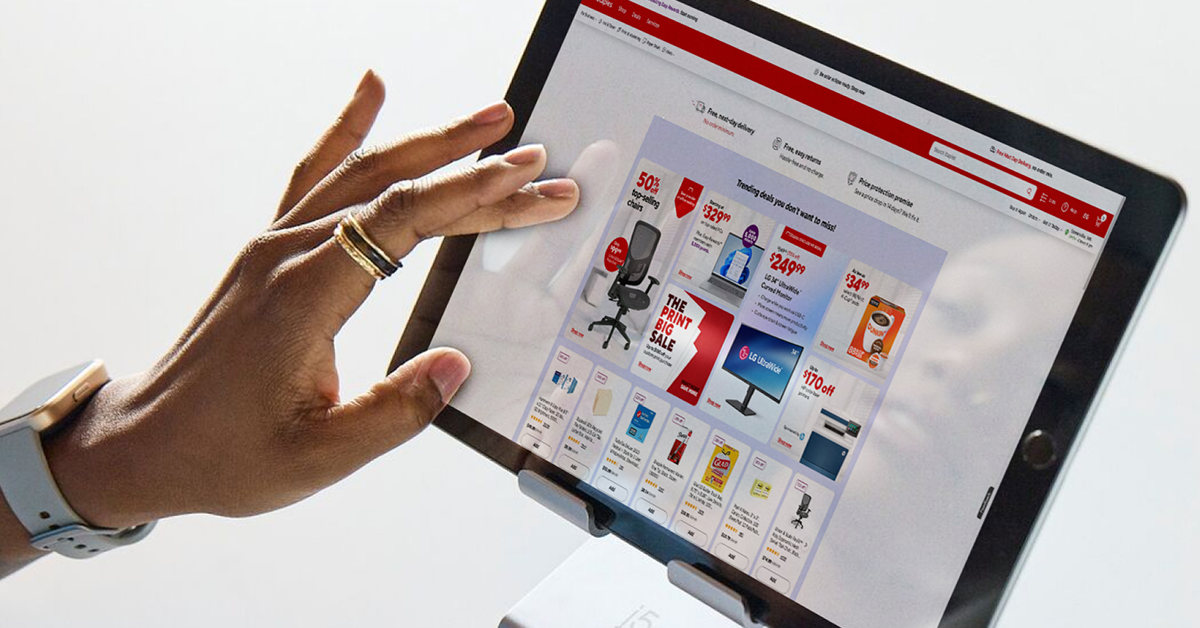
Rakuten offers a range of money-saving opportunities, including coupons that can be used online and in store, often alongside Cash Back offers to maximize savings.
How to Use Rakuten Coupons and Discount Offers
You can save a lot of money and even earn some extra cash when you join Rakuten and take advantage of its coupon codes and Cash Back. Here’s what you’ll learn about Rakuten coupons below:
How you can save money when shopping online and in store
Where you can find Rakuten coupons
How to use Rakuten coupons
Ways to maximize savings with Rakuten
Couponing is a fun and valuable pursuit that can help people stretch their money further and ensure they always have the necessities they need. Couponing used to require time and legwork, since people had to comb through local newspapers and supermarket magazines to find manufacturer coupons before they could figure out how best to combine them.
Companies like Rakuten now make it easier to find the hottest deals, save money and even earn some extra dollars through Cash Back. This simple guide will help you understand how coupons can help you to save money, what Rakuten does and how you can find and use the right Rakuten coupons to get the biggest savings possible.
How Can I Save Money When Shopping Online and In Store?
With the cost of living rising all over the U.S., it’s more important than ever to find the hottest deals and get the best prices on your favorite products. There are several ways to save money on everyday and special purchases.
Wait for online stores to have sales.
Make use of introductory discounts for new customers or email subscribers.
Seek out Cash Back offers from online affiliates.
Use an online coupon or discount code.
Pay with a card that offers Cash Back.
There are many online Cash Back sites, but Rakuten (formerly Ebates) is one of the most recognizable. It works with hundreds of retailers, including select designer brands. You can save money on groceries, beauty products, furnishings, fashion jewelry and even some designer brands when you use Rakuten to find coupons, discount codes and Cash Back offers.
What Is Rakuten?
Rakuten is an affiliate marketing company that offers customers a chance to earn Cash Back and save money when they shop with its partnered retailers. Rakuten shares the money it gets from retailers with its members, and it also offers unique coupons and discount codes that will help you save even more money. The deals rotate and change, so there’s always something new to explore!
When you earn Cash Back through Rakuten, it’s added to your online wallet. You can convert it into Rakuten points to get an extra 20%, and then use the points to buy gift cards you can use at online stores. If you choose not to do that, the Cash Back you earn will be kept in your wallet until it’s paid out either via check or PayPal. The automatic payouts occur every three months. As long as you’ve earned at least $5 in Cash Back, it will be issued in your chosen form. If you have less than $5 in your Cash Back wallet, it will carry over to the next pay period.
Where Can I Find Rakuten Coupons?
Rakuten is best known for its Cash Back, but it also has a range of coupons and discount codes that offer bonus savings — especially when stacked with Cash Back. You can find coupons and discounts at many popular retailers, as well as some designer brands. Whether you’re looking to save money on designer basics or Bed, Bath & Beyond’s household items, you should start with Rakuten’s coupon section. Below is a list of places where you can find Rakuten coupons.
The Rakuten Website
When shopping through the Rakuten website, you’ll find promo codes, coupons and discounts in the Hot Deals section. Each coupon you see will be available for a limited time, and many can be stacked with Cash Back on eligible items.
The Rakuten App
If you prefer to use the Rakuten App for your online shopping, you’ll be able to access any coupon or discount code available by navigating to the Hot Deals section. You’ll find limited-time offers that update and rotate, just as they do on the website.
The Rakuten Browser Extension
Shoppers who like to save but forget to check Rakuten’s main site can install the Rakuten browser extension to be automatically notified when they’re shopping on sites with Cash Back or other savings. Installing the browser extension on Google Chrome or Mozilla Firefox will increase your chances of getting the largest discount on eligible items. The button will be purple if there are no offers, red if there are inactive offers and blue once the offers have been activated and are ready to be redeemed. The extension will streamline the process of saving money and earning Cash Back.
How Can I Use Rakuten Coupons?
When shopping through Rakuten, you can use coupons to get free shipping, exclusive discounts and other savings on your entire purchase. There are, however, some exclusions. One coupon code may apply to all items in your cart, for example, while another may exclude sale and clearance items. It pays to double-check the terms and conditions and pay special attention to any exclusions before you shop.
Using Rakuten Coupons Online
It’s easy to use Rakuten coupons to get the largest discounts possible on everything from basic beauty products to designer sunglasses. All you have to do is follow the link from the website or App, or activate the offer from the browser button, and make sure you enter the code at checkout. Sometimes it will be done automatically, but it’s always best to double-check! If you are eligible for Cash Back on the purchase, it will be automatically calculated and credited to your Rakuten wallet where it will be held until the next pay period.
Can I Use Rakuten Coupons In Store?
Most of the coupon codes found on Rakuten are intended to be used with online retailers or on the websites of popular stores. There may be a printable coupon you can use in store, but that’s not usually the case. You can, however, still save money with Rakuten when you shop in store by using the App. On the app, you’ll find Cash Back offers that can be collected when you shop in a physical store. In some cases, the Cash Back can be combined with manufacturer or Catalina coupons to get the best savings.
What Is the Best Way to Maximize Savings With Rakuten?
Rakuten offers several ways to save. From online coupons to double Cash Back offers, these limited-time deals change regularly. The first step to getting the largest discounts and savings is to check Rakuten’s site frequently. You should also think about ways to boost your Cash Back and savings, such as stacking coupons and Cash Back, using coupons on sale and clearance items and using credit or debit cards that also offer Cash Back.
Stack Coupons and Cash Back
You may find a coupon code on Rakuten for a store that doesn’t offer Cash Back. Many of the discount codes Rakuten offers, however, can be used in tandem with Cash Back. When you see these options on items you already planned to buy, your savings will increase drastically.
Use Coupons on Clearance Items
Some coupons can be used only on regular-price items, but some can be used to get an extra discount on reduced-price items. You may also find Cash Back on these items, just as you might for regular-price items. This is one of the best ways to get the largest discount possible at online stores.
Pay With Cards That Have Cash Back Offers
The coupons and Cash Back that Rakuten offers are not impacted by Cash Back offers from banks and credit cards. That means using a credit or debit card that provides Cash Back on your purchases can further boost the savings you get by shopping through Rakuten. If you have a loyalty card from the store you’re shopping at, remember to use that too. Shopping through Rakuten, whether for Cash Back or to use an exclusive discount code, will not prevent you from collecting store-specific reward points.
Save Money On All Your Online Shopping Carts
Rakuten offers its members many ways to save and make extra cash while shopping for daily necessities and special treats. In addition to Cash Back, it offers exclusive discounts and coupon codes. You can find online coupons and discounts that can be paired with Cash Back to maximize your savings on every purchase. When using Rakuten’s coupons, check the list of exclusions to make sure your items are eligible, and remember to buy only what you intended. Getting the hottest deals only matters if you don’t spend money you wouldn’t have spent otherwise.
FAQs — How to Use Rakuten Coupons and Discount Offers
What is couponing?
Couponing — sometimes called extreme couponing — is a hobby that involves collecting coupons, discount codes and vouchers in order to save money. Couponers typically focus on daily expenditures, such as groceries, clothing and hygiene or beauty products, but it’s possible to save money on nonessentials such as jewelry and travel.
What are the different kinds of coupons?
There are numerous kinds of coupons, including Catalina coupons, manufacturer coupons, store coupons, printable coupons and online coupons.
Catalina coupons are the ones you get on your receipts at a store after you complete a purchase. They often offer discounts on future purchases or a deal on a specific item. Manufacturer coupons are issued by a product manufacturer or brand. Store coupons are issued by specific stores, such as Walmart or Sephora, and printable coupons are found online but eligible for in-store use. Online or digital coupons are only usable online; they’re the coupons most commonly found on Rakuten.
How can I find coupons online?
You can find discount codes and coupons simply by using a search engine, but it’s less effective than joining a site such as Rakuten, where coupons and discount codes are collected in one place. If you’re searching online, watch out for fake coupon sites. If a coupon doesn’t have an expiration date or doesn’t appear to be connected to a reputable company, it could be fake.
What are the benefits of coupons?
The main benefit of using coupons is saving money. The right coupons can help you save money on daily essentials, gifts and special treats. Depending on the type of coupons you have and whether you can stack them, you may even be able to stock up on certain nonperishable goods.
How do online coupons work?
Online coupons are essentially digital codes that give customers discounts, offers and promotional savings. Some are only for first-time customers, while others are available to everyone. Like printable coupons, digital or online coupons have expiration dates. Once a coupon has expired, it will be unusable. Online coupons also have exclusions to consider, just like store-specific or manufacturer coupons. To use an online coupon, you’ll be given a code to enter at checkout.